Ultimate KEMO SAT 4K Guides
Your Complete KEMO SAT 4K Installation & Setup Center
Welcome to the official KEMO SAT 4K Guides page. This is your complete resource for installing, setting up, and troubleshooting KEMO SAT 4K on all supported devices.
Whether you’re using an Amazon Firestick, Android TV, Smart TV, Windows PC, macOS, iPhone, iPad, or another compatible streaming device, our step-by-step guides are designed to make the installation process simple and hassle-free.
Each guide includes clear instructions, helpful screenshots (where available), and practical tips to help you complete the setup quickly and enjoy the best possible streaming experience.
Find Your Device
Select your device below to view the complete installation guide.
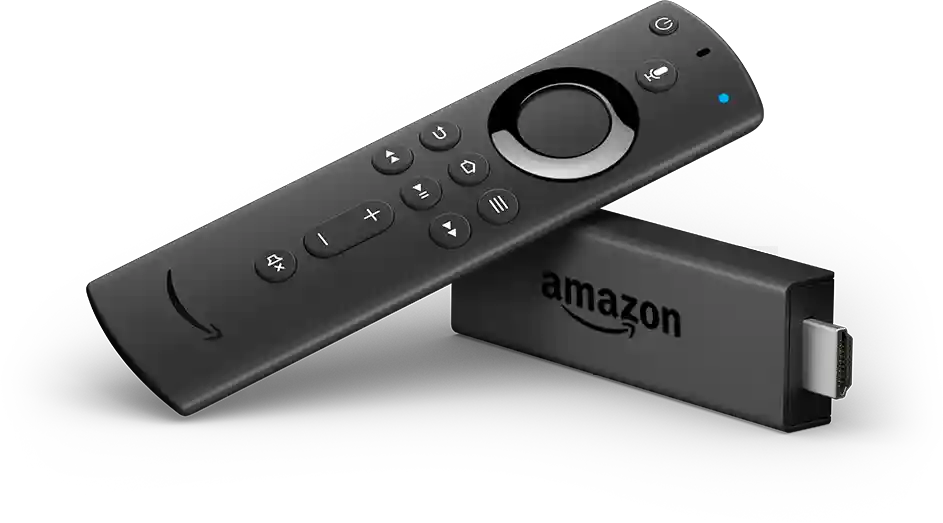
🔥 Firestick Installation Guide
Install KEMO SAT 4K on your Amazon Fire TV Stick with our detailed walkthrough.
📱 Android Phone & Tablet Guide
Follow our Android installation tutorial for smartphones and tablets.
📺 Android Smart TV Installation
Install KEMO SAT 4K on compatible Smart TVs using supported IPTV applications.
💻 Windows PC Guide
Watch KEMO SAT 4K on Windows using a compatible IPTV player.
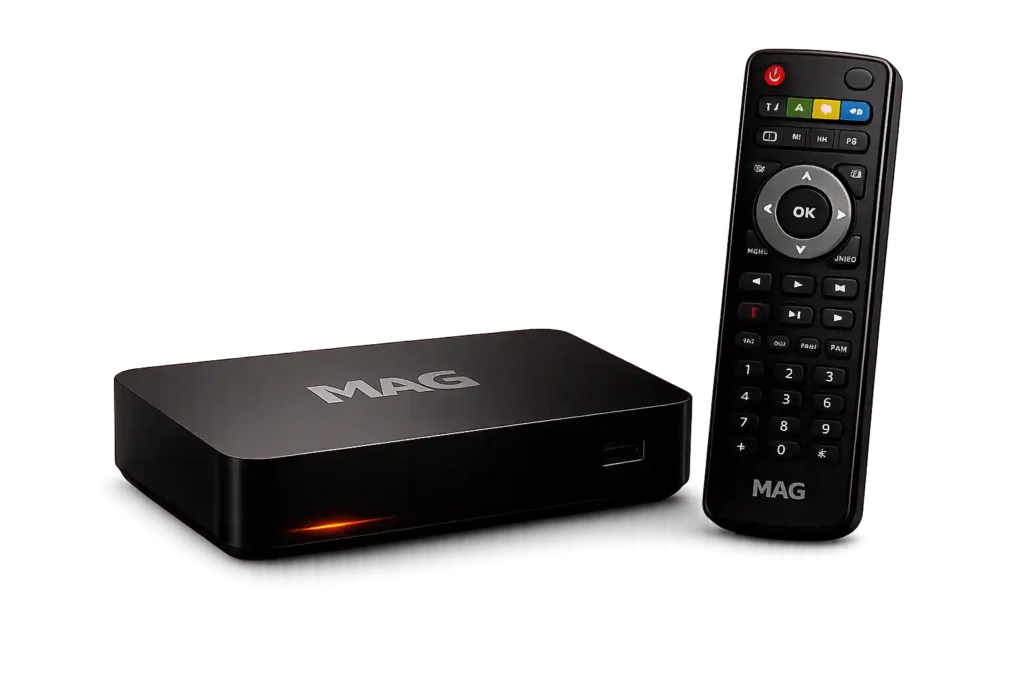
📦 MAG Box Guide
Configure KEMO SAT 4K on your MAG device using our complete setup tutorial.
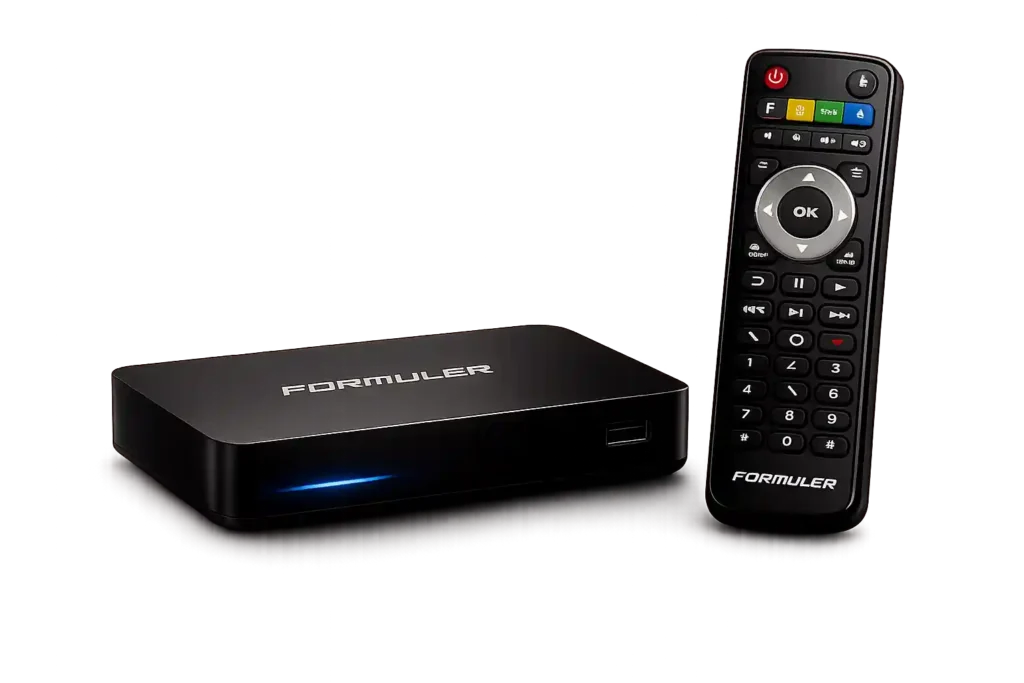
📡 Formuler Guide
how to set up KEMO SAT on Formuler devices for a smooth experience.
🛠 Troubleshooting Guides
Having problems?
Visit our troubleshooting section for solutions to common issues, including:
- Login errors
- Connection problems
- Buffering
- Playback issues
- Application settings
- Internet optimization
Why Use Our Guides?
Our tutorials are written for both beginners and experienced users. Every guide is regularly reviewed to ensure the instructions remain accurate and easy to follow.
When you use the official KEMO SAT 4K Guides, you benefit from:
- Step-by-step installation instructions
- Easy-to-follow setup process
- Device-specific recommendations
- Helpful troubleshooting solutions
- Regular content updates
- Support for multiple streaming devices
Our goal is to help you get started as quickly as possible without unnecessary complications.
Tips for the Best Streaming Experience
For optimal performance, we recommend:
- Using a stable high-speed internet connection
- Keeping your streaming device updated
- Installing the latest version of your IPTV player
- Restarting your device after installation
- Following the recommended settings provided in each guide
These simple steps can improve playback quality and overall stability.
Need More Help?
If you have questions during installation, explore our additional resources.
You may also find helpful information on our:
These pages provide additional details about our services and answer many common questions.
Frequently Asked Questions
Which devices are supported?
KEMO SAT 4K supports a wide range of compatible streaming devices, including Firestick, Android phones, Android TV, Smart TVs, Windows PCs, macOS, iPhone, iPad, MAG devices, and more.
Are these installation guides free?
Yes. All KEMO SAT 4K setup guides are available to help customers complete the installation process.
Are the guides beginner-friendly?
Absolutely. Each tutorial is written with clear instructions that are easy to follow, even if you’re installing for the first time.
How often are the guides updated?
Our team reviews and updates the guides whenever installation methods or supported applications change.
Where should I start?
Simply choose the guide that matches your device from the list above and follow the step-by-step instructions.
Start Your Installation Today
Choose your device, follow the official KEMO SAT 4K guide, and complete your setup with confidence. Our tutorials are designed to help you get up and running quickly so you can enjoy your streaming experience with minimal effort.